Shape every agent you run, from one place.
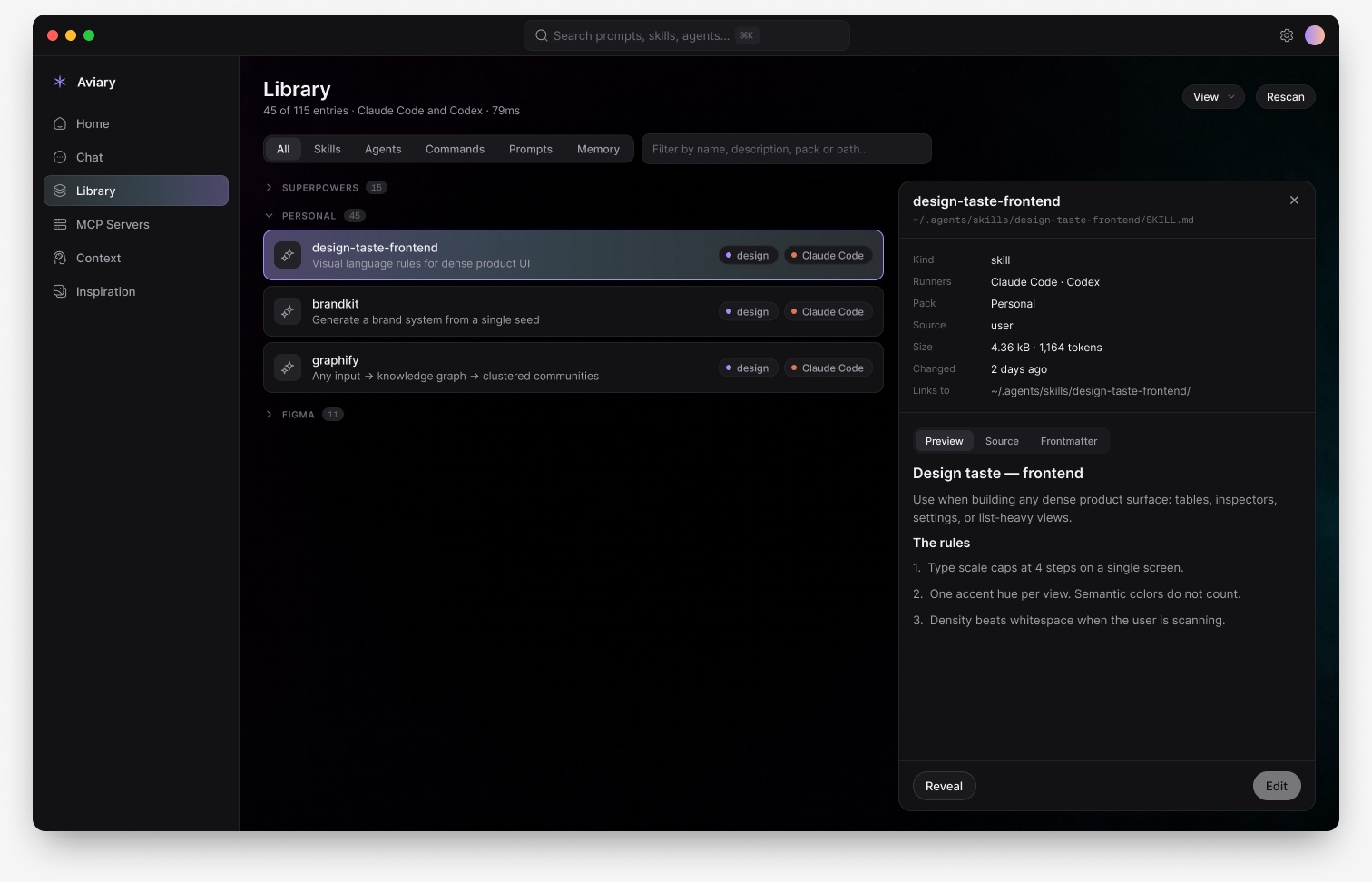
Every skill, prompt, MCP server and instruction file Claude Code and Codex read. Files stay the source of truth.
Every skill, prompt, MCP server and instruction file Claude Code and Codex read. Files stay the source of truth.
Coding agents read their behaviour from files scattered across your disk. Skills symlinked into two runners. MCP blocks in three incompatible formats. Instruction files inherited from a parent directory you forgot about. The configuration surface is large, powerful, and completely unmanaged.
Skills are not owned by a runner. They live in a shared pool and get symlinked into each one, so Aviary deduplicates by canonical path and reports every runner that links to an entry.
Edits are atomic, snapshotted before they land, and refused outright if the file changed underneath you.
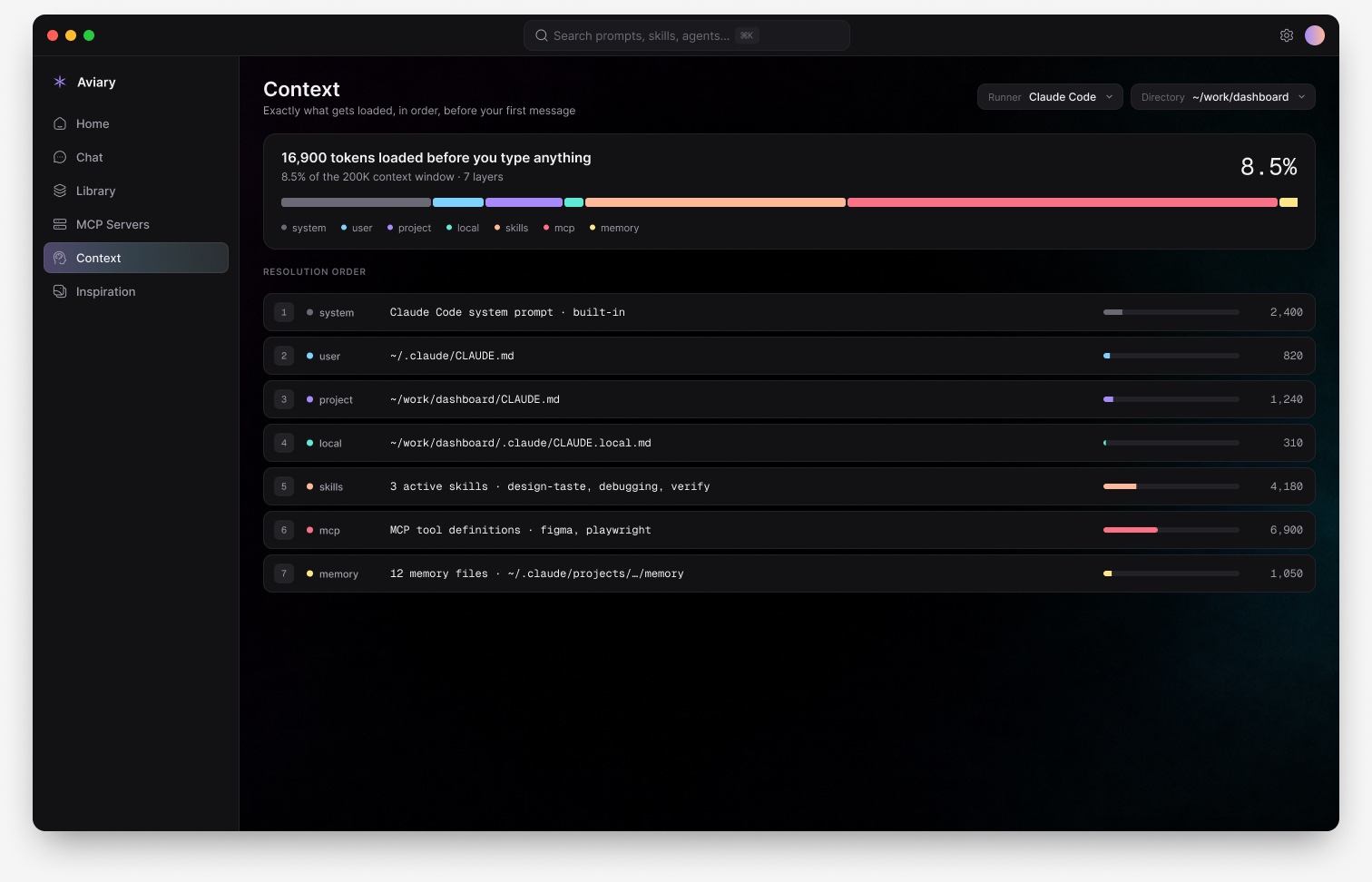
Pick a runner and a directory, and Aviary resolves the whole instruction stack in load order, with token costs counted from the real files.
Anything it cannot measure from disk says so. A runner's built-in system prompt lives inside the binary, and MCP tool schemas only arrive after a handshake, so both are marked unmeasurable rather than given a plausible number.
1ms
Launch paints real content instead of a spinner. Scans are cached in SQLite, so a library that took 101ms to walk resolves in one. Measured on a real 117-entry install.
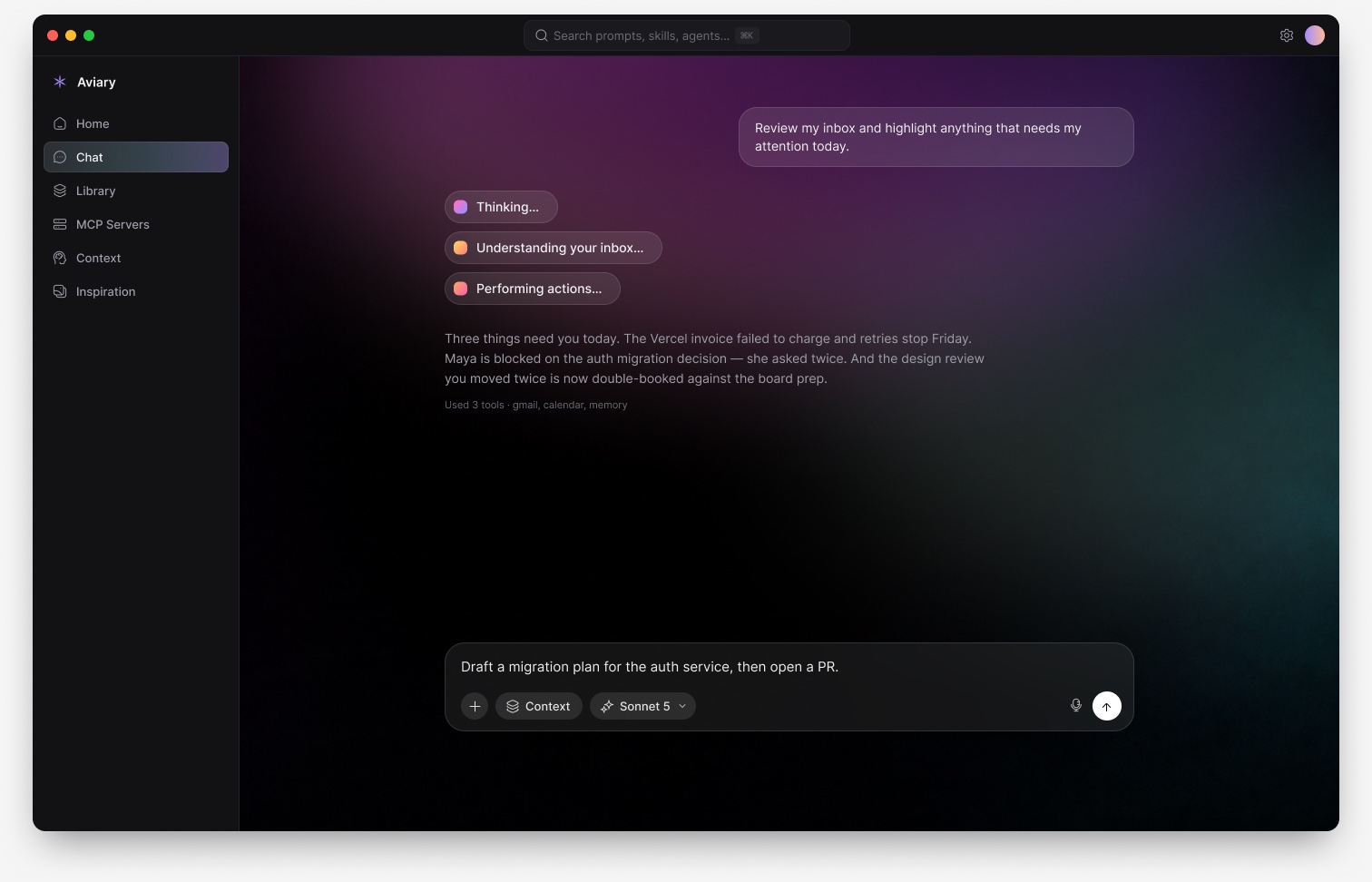
Chat drives claude and codex directly, so tools, MCP and skills all apply. Models and reasoning effort are read off your machine, never hardcoded.
Aviary makes no network requests of its own. There is no telemetry and no account. Secrets in MCP configs are read as key names only, never values.
Aviary serves, it doesn't just show
The media board ships as a local MCP server, so anything you curate is queryable from inside Aviary or a bare terminal. It is read-only by construction: no tool it exposes can delete your files.
$ claude mcp add aviary-media -- /Applications/aviary.app/Contents/MacOS/aviary-media

> find that grainy teal gradient from my references

search_media("grainy teal gradient")
  path:   ~/.aviary/media/a3f9c2…/original.png
  colour: #3c9b9a
  tags:   image, landscape, teal
Universal build for Apple Silicon and Intel, macOS 11 and later. It is an early alpha and it is honest about what is missing.
Signed ad-hoc but not notarised yet, so macOS asks you to confirm on first launch: right-click the app and choose Open.